 Porch Light Desk
Getting found · Google listing
Why your contractor website and Google Business Profile have to match
Quick answer: Your website and your Google Business Profile should show the same business name, the same phone number, the same service area, and the same website URL. When they don't, homeowners get mixed signals, Google and AI tools get mixed signals, and the shop down the road whose details line up often gets the call.
Most trade owners treat the website and the Google listing as two separate chores. One got built years ago. The other got claimed during a busy week and never looked at again. Customers don't see them that way. They search your name after they see the truck, then they compare what they find. If the facts don't agree, a lot of people just move on.
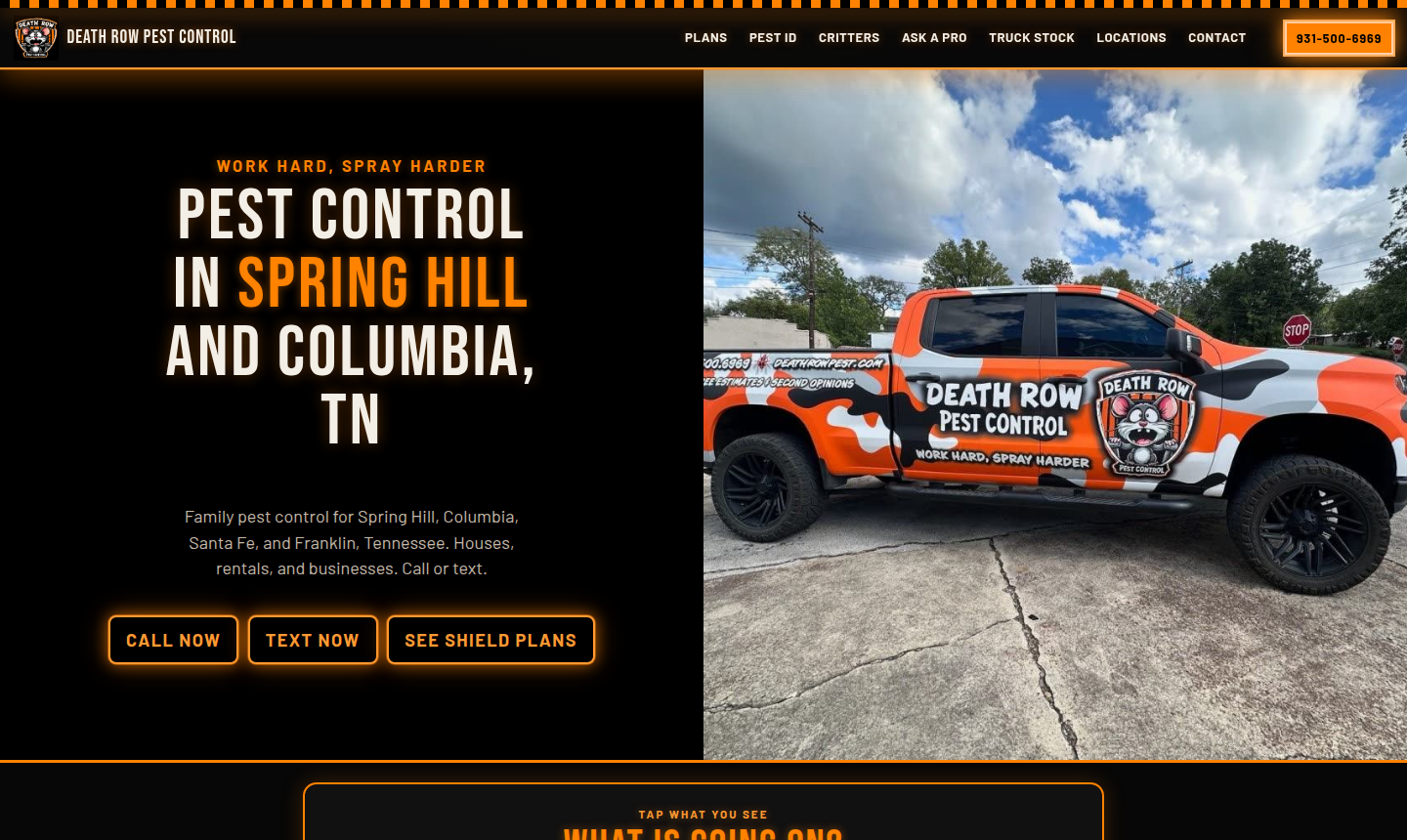
Why does a mismatch cost you the job?
A homeowner who needs a furnace repaired or a leak stopped is trying not to get burned. They will almost always look you up before they text. If the number on your site is not the number on your Google listing, or the listing still shows a town you left two years ago, that feels sloppy. Some people will still reach out. Many will open the next business in the list.
Search tools notice the same problem. Google and AI answers compare your site, your Business Profile and other public listings. When the core facts line up, it is easier to treat you as one real business. When they don't, the tools have to guess. Sometimes they guess wrong, or they pick a competitor whose details are cleaner. We covered that side of things in how contractors get found in ChatGPT and AI Overviews.
What has to match, exactly?
You do not need every sentence to be identical. You do need the core facts to be the same everywhere a customer or a search tool might look:
- Business name. Pick the name people actually search and use it on the site, the profile, the truck and the invoices. If the legal name is different, that can live in the fine print, not as a second public brand.
- Phone number. One main number, written the same way, with a working call or text link on the site. If you changed numbers, the old one has to come off the site and the listing together.
- Website. The profile should point at your real site, not a Facebook page, not an old builder URL, and not a blank "Website: none."
- Service area. The towns and counties you actually work, and none you don't. If you dropped a county, take it off the profile and the site in the same sitting.
- Hours. If you publish hours, keep them honest and in sync, including holidays and any after-hours note.
- Address. If you have a public shop, use the same street address in both places. If you are a service-area business with no storefront, don't publish a home address just to look bigger, and don't let an old mailing address show up as if it were the shop.
What if Google still shows an old number or an old site?
This happens a lot after a number change, a rebrand or a move off a do-it-yourself builder. Search your exact business name, then search your phone number by itself. Open your own listing and the first few other results. Write down anything stale: an old number, a second listing you forgot about, a directory that still has last year's site.
On the listing you control, edit the phone, website and service area so they match the site, then give Google time to catch up. For other sites, use their "suggest an edit" or claim-listing tools when you can. You will not fix every old directory in one evening. The listings that actually get traffic are worth the time.
Does "Website: none" on your Google listing really matter?
Yes. If your profile has no website, or the link is broken, a homeowner who wants to see your work has nowhere official to go. Some will text you anyway. Many will open the next business that has photos, services and a number they can tap. For search, a profile with no site also gives Google fewer pages to understand what you do.
If you already have a site, add the link today and click it once from your phone to be sure it lands in the right place. If you don't have a site yet, that is a real gap, not a nice-to-have. The first-screen post covers what that site needs to show before someone scrolls.
How do you check this in twenty minutes?
- Open your website on your phone. Write down the name in the header, the phone number, the towns you list, and whether the number is a tappable call or text button.
- Search your business name in Google and open your Business Profile. Compare those same four things, word for word.
- Tap the website link on the profile. It should land on the right page, not an error and not an old builder URL.
- Search your phone number by itself. If another business, an old listing or a personal name comes up, you have cleanup to do.
If those four facts match and the link works, you are in good shape. If they don't, fix the profile and the site together so you don't create a new mismatch while you are cleaning up the old one.
Where should I start this week?
Start with the phone number and the website link. Those are the two things customers notice first. Then line up the name and the service area. If your current site can't show a clear name, a working number and the towns you serve on the first screen, that is the kind of work we do.
You can see how we handle that on real shops in our portfolio. If you want the packages and starting prices, they are on the services page.
If you want a second set of eyes, text me what you've got and I'll tell you honestly what I'd fix first.
The porch light is on.
Ready for a uniquely built site?
Nashville studio. Nationwide remote. 50% up front, 50% on completion. Text Erik or email, whichever is easier.